


The iPad has become an essential tool in my daily productivity routine. Whether I’m planning my week, keeping track of my habits, or brainstorming new ideas, my iPad helps me stay organized and efficient. Here are four ways I use my iPad to boost productivity:
1. Digital Planning in GoodNotes
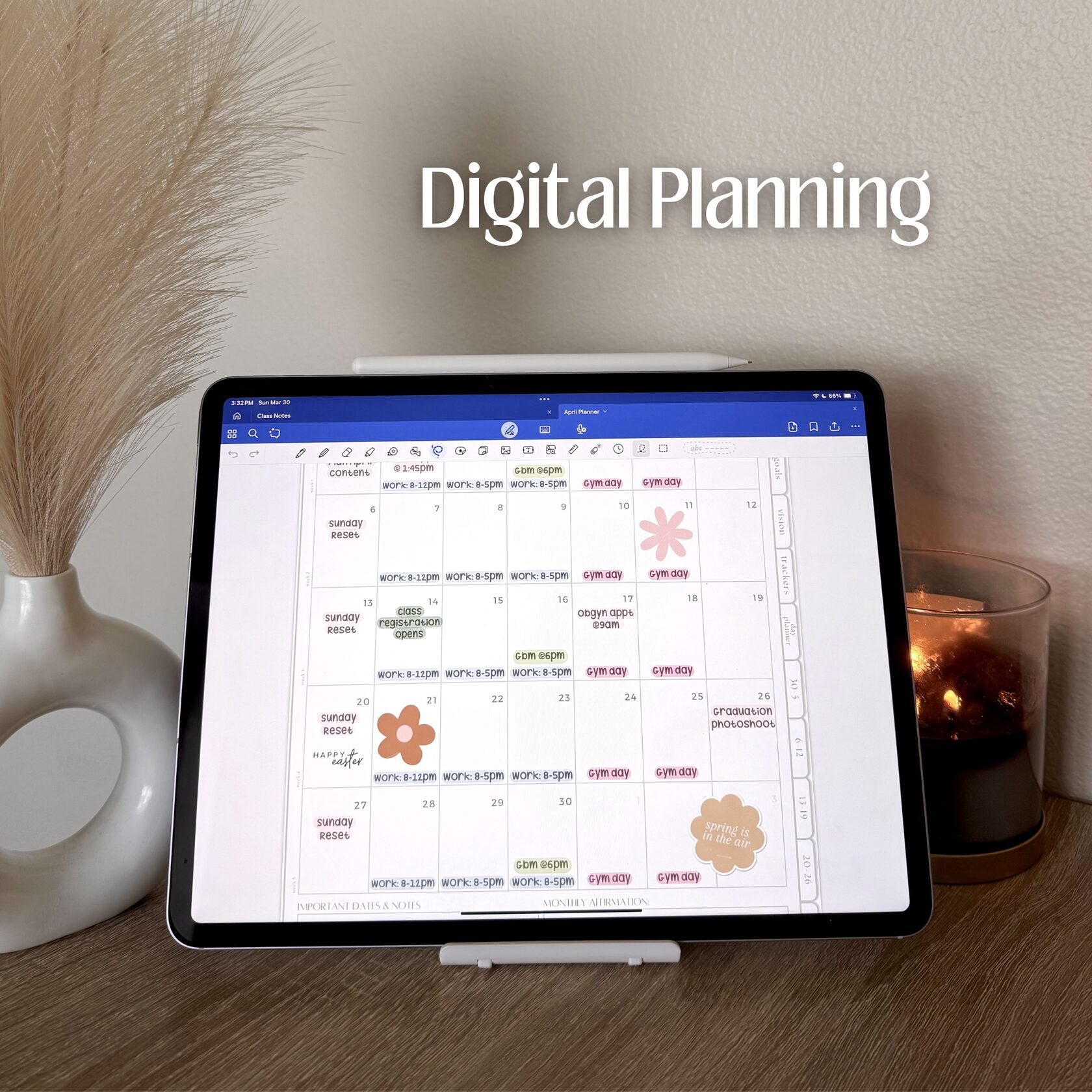
GoodNotes is my go-to app for digital planning. I use it for everything from organizing my daily schedule to jotting down important calendar dates. Unlike traditional paper planners, GoodNotes allows me to customize my layouts, add stickers, and personalize my planner. Having everything in one place keeps me on top of deadlines and commitments without the clutter of physical notebooks.
2. Reminders App for To-Do Lists and Routines
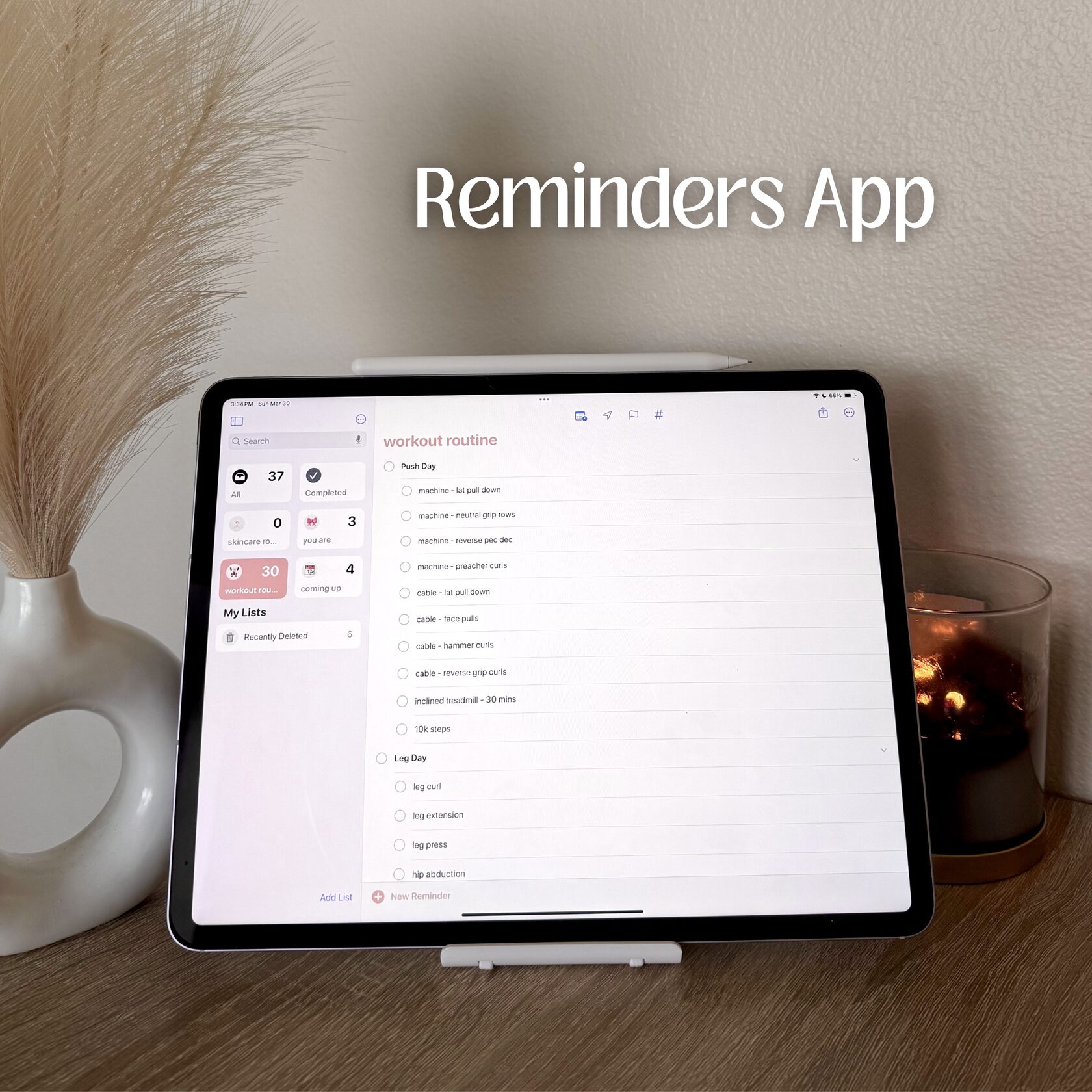
The Reminders app is perfect for managing my to-do lists and even my daily routines. I love using it for structured checklists, like my skincare routine, workouts, and even grocery lists. The best part is that I can set recurring reminders, so I never forget an important habit or task. It’s a simple yet effective way to stay on track with both productivity and self-care.
3. FlipClock App for Time Management
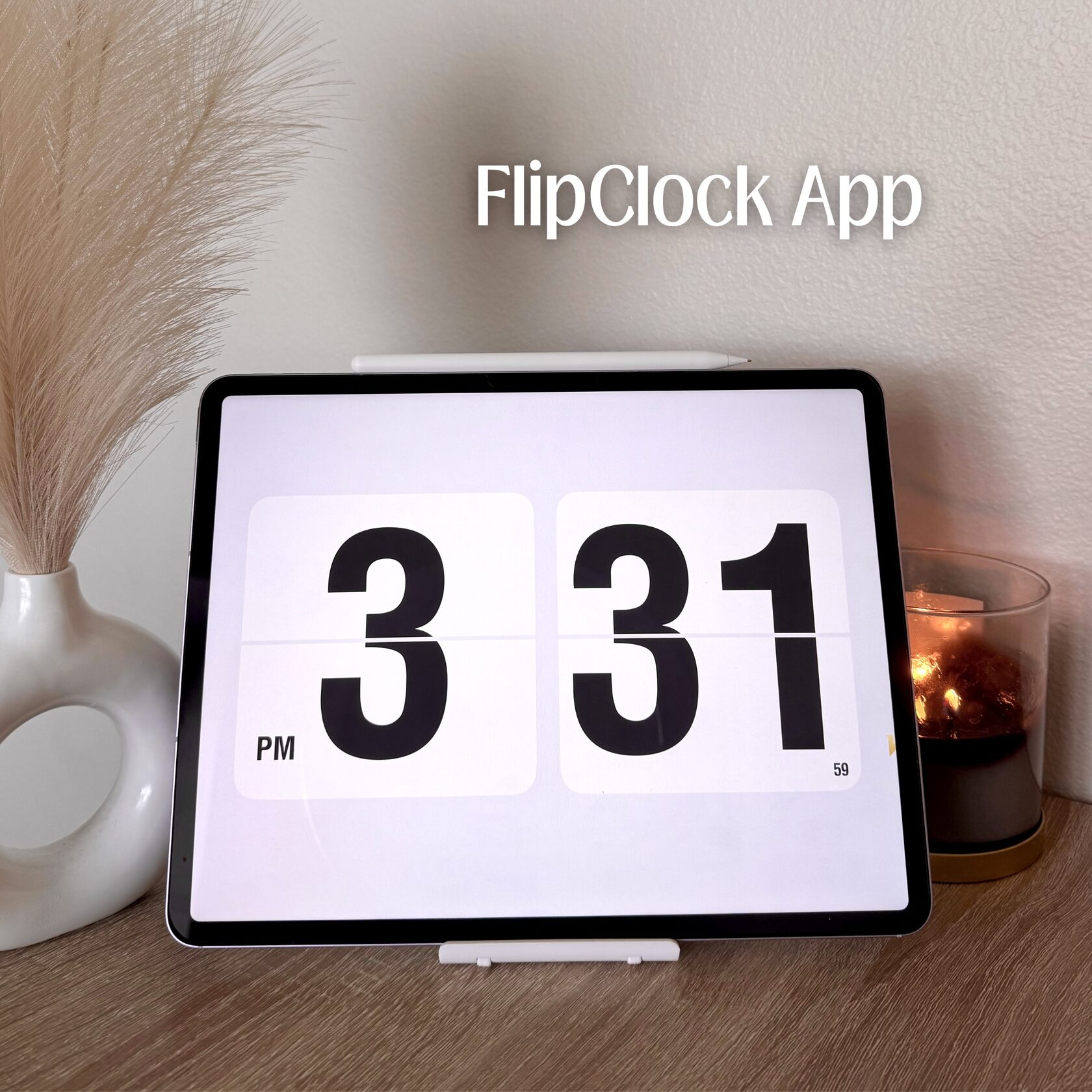
One of my favorite things to do is put my iPad on a stand and open the FlipClock app while I work. This app functions as a beautiful, aesthetic clock that keeps me aware of the time while also offering a built-in Pomodoro timer. If you’re not familiar with the Pomodoro Technique, it’s a time management method where you work for 25 minutes, take a 5-minute break, and repeat. It helps me stay focused and prevents burnout during long study or work sessions.
4. Brainstorming and Vision Boards in Freeform
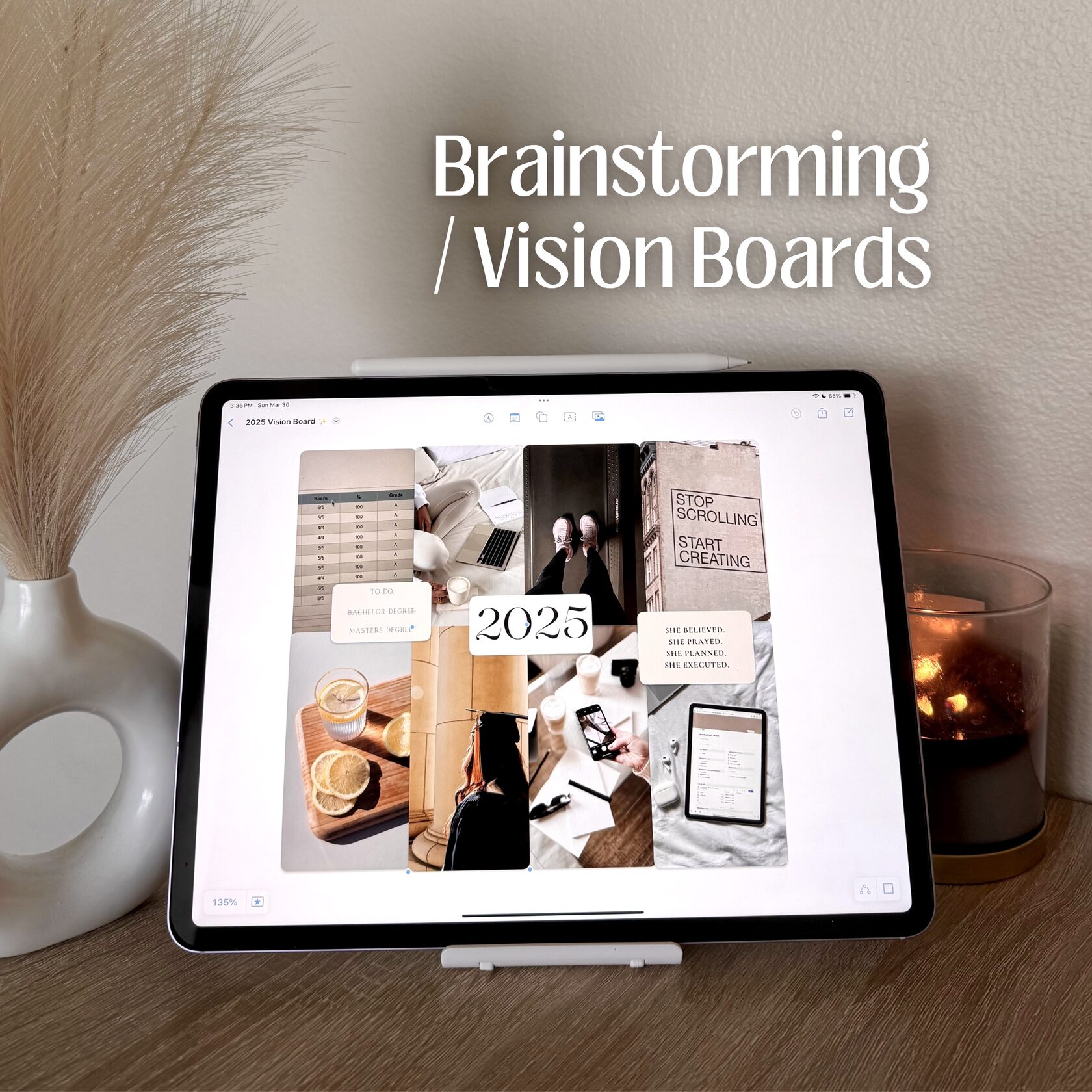
When I have a bunch of ideas and need to organize them, I turn to the Freeform app by Apple. This app is perfect for making mind maps, vision boards, and organizing jumbled thoughts on an endless digital canvas. Whether I’m brainstorming content ideas, planning projects, or visualizing my goals, Freeform gives me the flexibility to structure my ideas in a way that makes sense.
Using my iPad for productivity has truly streamlined my daily routine. From planning and reminders to time management and creativity, these apps help me stay organized and motivated. If you’re looking for ways to make your iPad work for you, try incorporating some of these tools into your routine!